Add your proxy
Configure a SOCKS5, HTTP, or HTTPS proxy server.
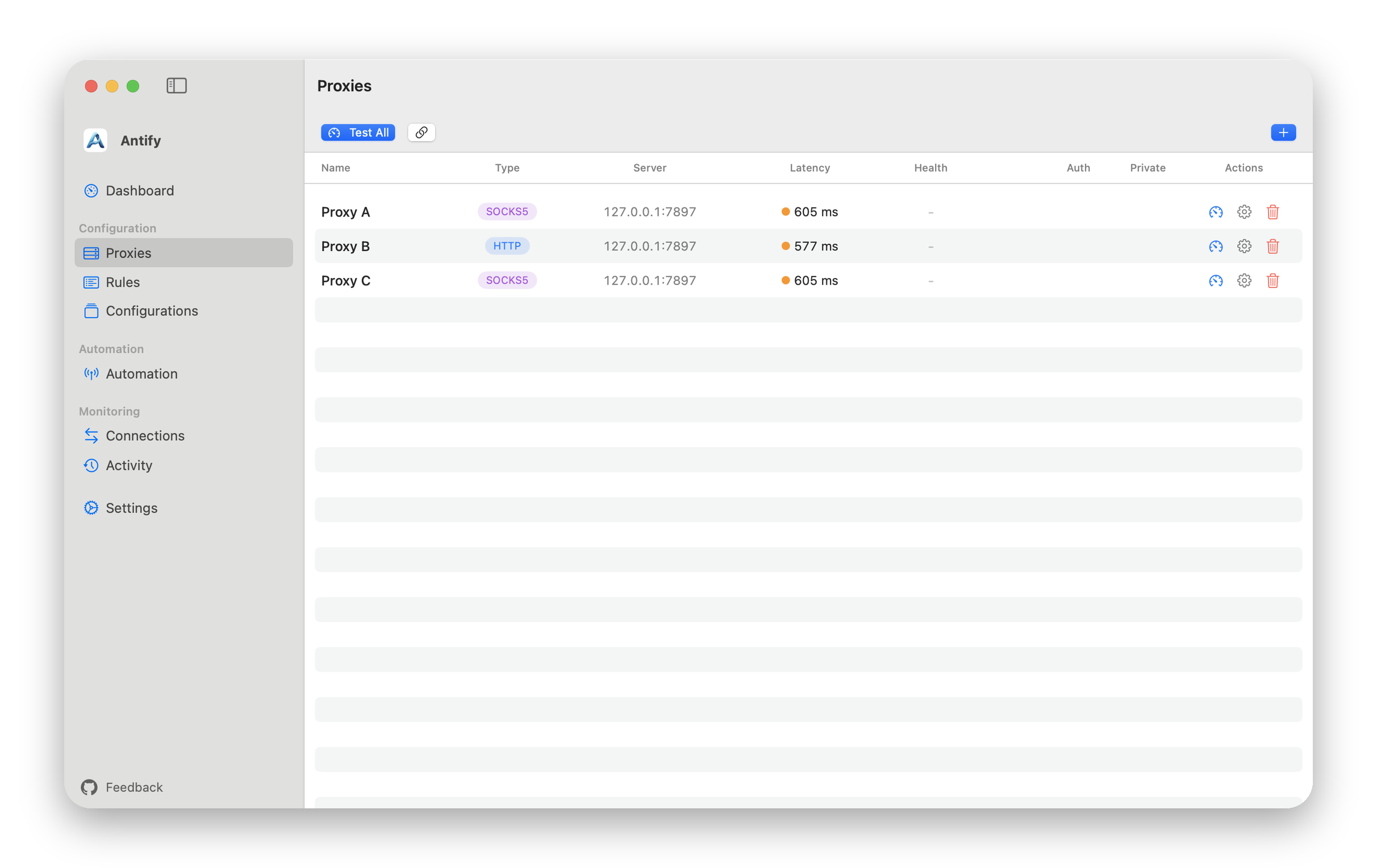
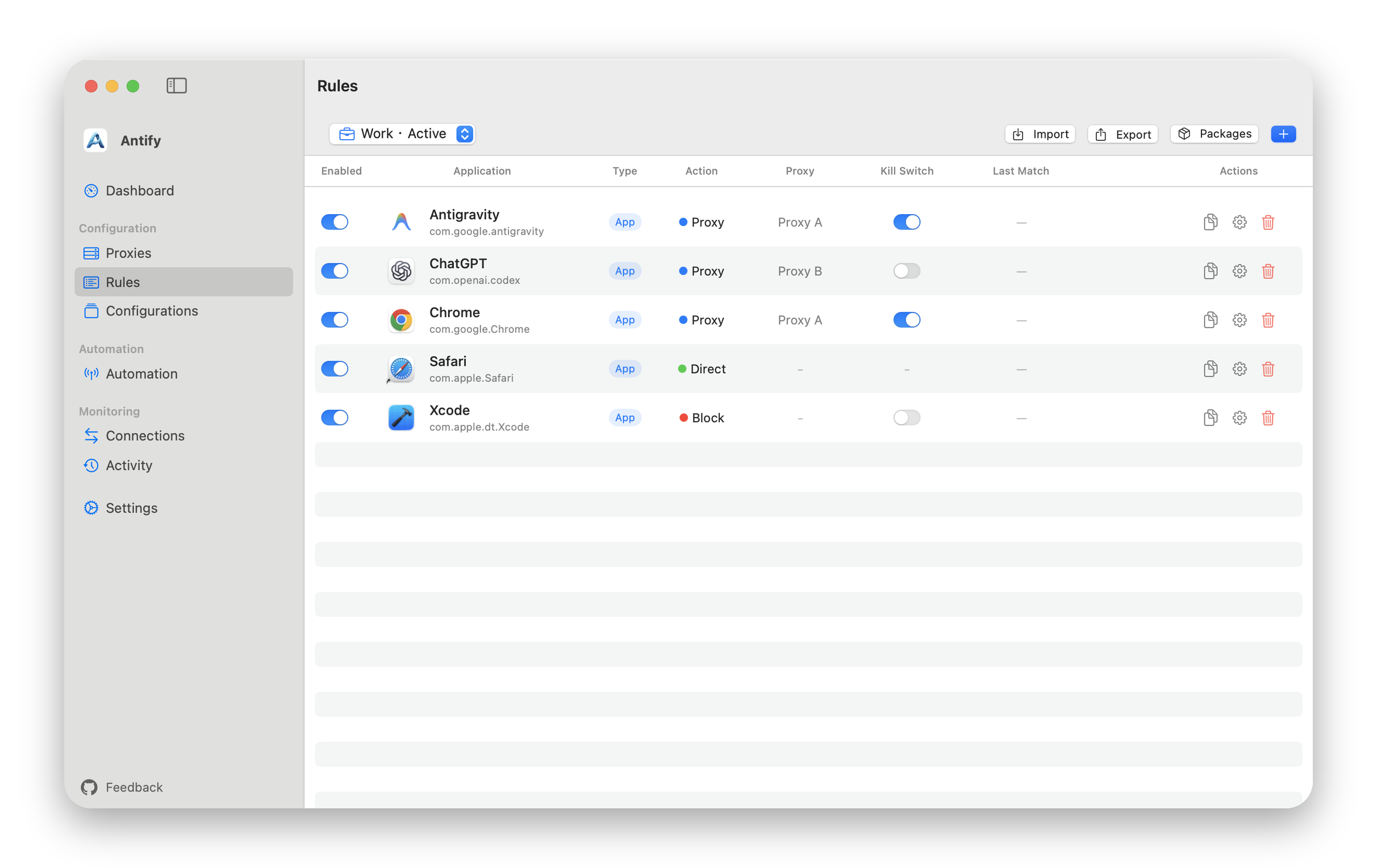
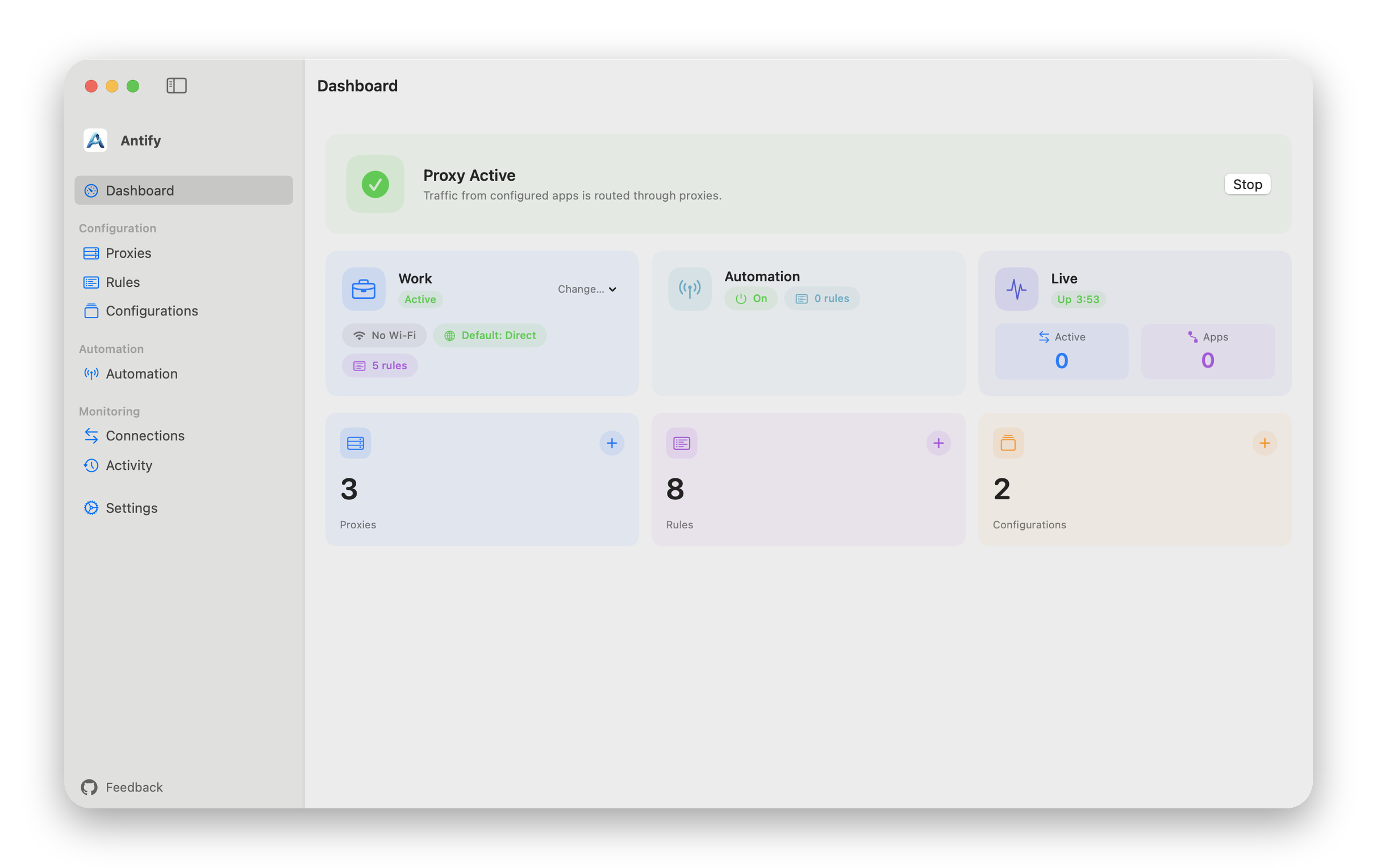
No macOS system proxy. No TUN mode in your proxy app.Antify uses a system extension to send traffic from selected apps to the proxy you configure.
 Claude.app
 ChatGPT.app
 Safari.app
 IINA.app
 Rule decisionRule decisionClaude.appChatGPT.appSafari.appIINA.app
Examples illustrate per-app routing only and do not imply partnership or endorsement. All trademarks belong to their respective owners.
Configure a SOCKS5, HTTP, or HTTPS proxy server.
Choose an app, then set it to Proxy, Direct, or Block.
Once approved and running, rules apply to new network connections.
Choose the network interface a proxy uses, such as a second network or an iPhone hotspot
Add Direct entries to the proxy list to send an app straight out through a chosen interface
View the full changelog