Use cases
Route Telegram through one proxy on macOS
Create an app rule for Telegram so its traffic goes to the SOCKS5 or HTTP proxy you configured, without a system-wide proxy and without changing anything inside the app.
Nothing has to be entered inside Telegram, and no system-wide proxy is needed. One rule in Antify is enough. This page uses Telegram as the example; the steps are the same for any macOS app.
Before you start
Antify does not provide a proxy service. You need a working SOCKS5, HTTP, or HTTPS proxy first (Antify does not support MTProto proxies), along with its address, its port, and any username and password it requires. Antify requires macOS 14.0 or later.
Three steps
- 1
Add the proxy
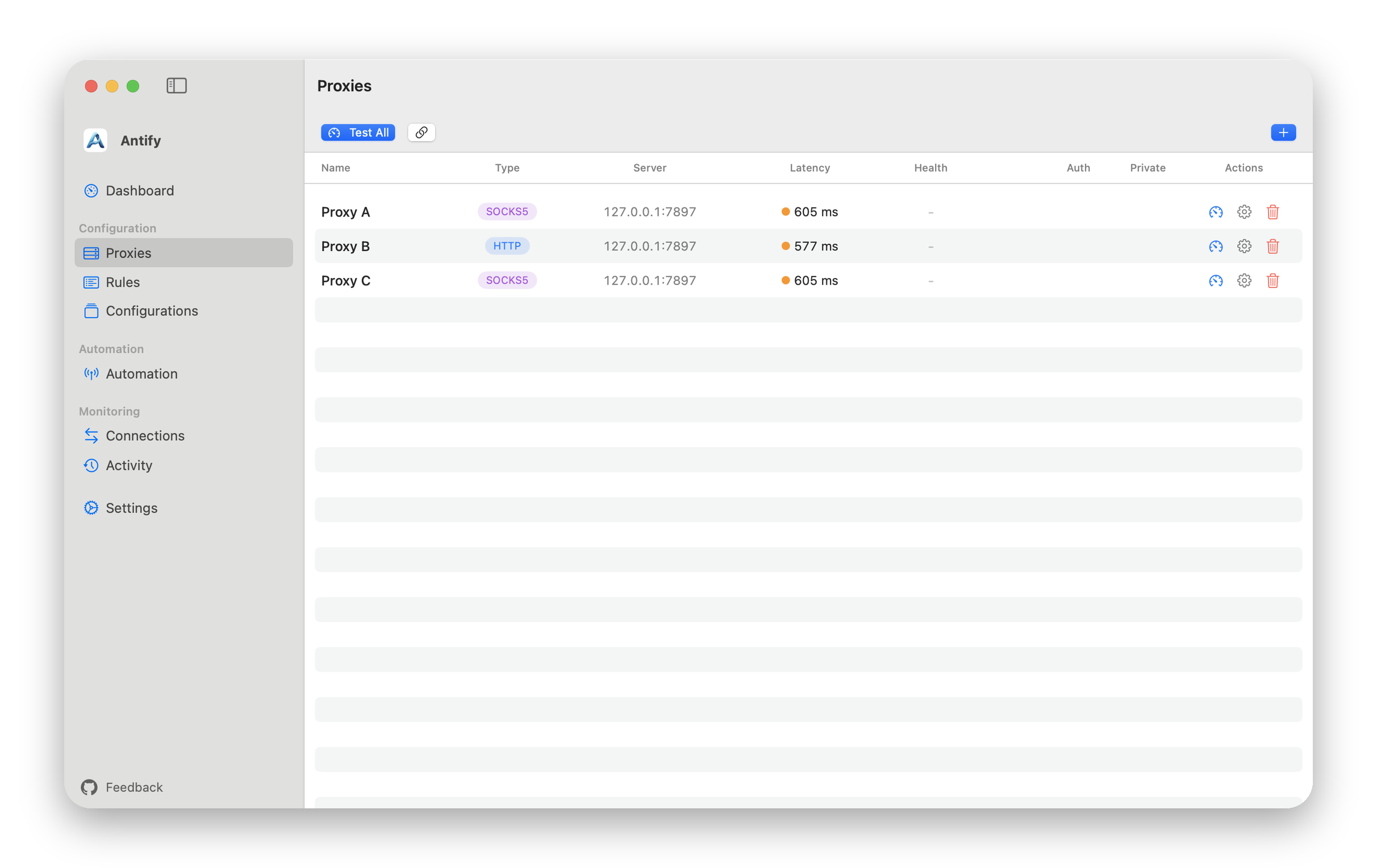
On the Proxies page, add a proxy, choose SOCKS5, HTTP, or HTTPS, and fill in the address and port. The default ports for the three types are 1080, 8080, and 8443; use whatever your proxy listens on.
- 2
Create a rule for Telegram
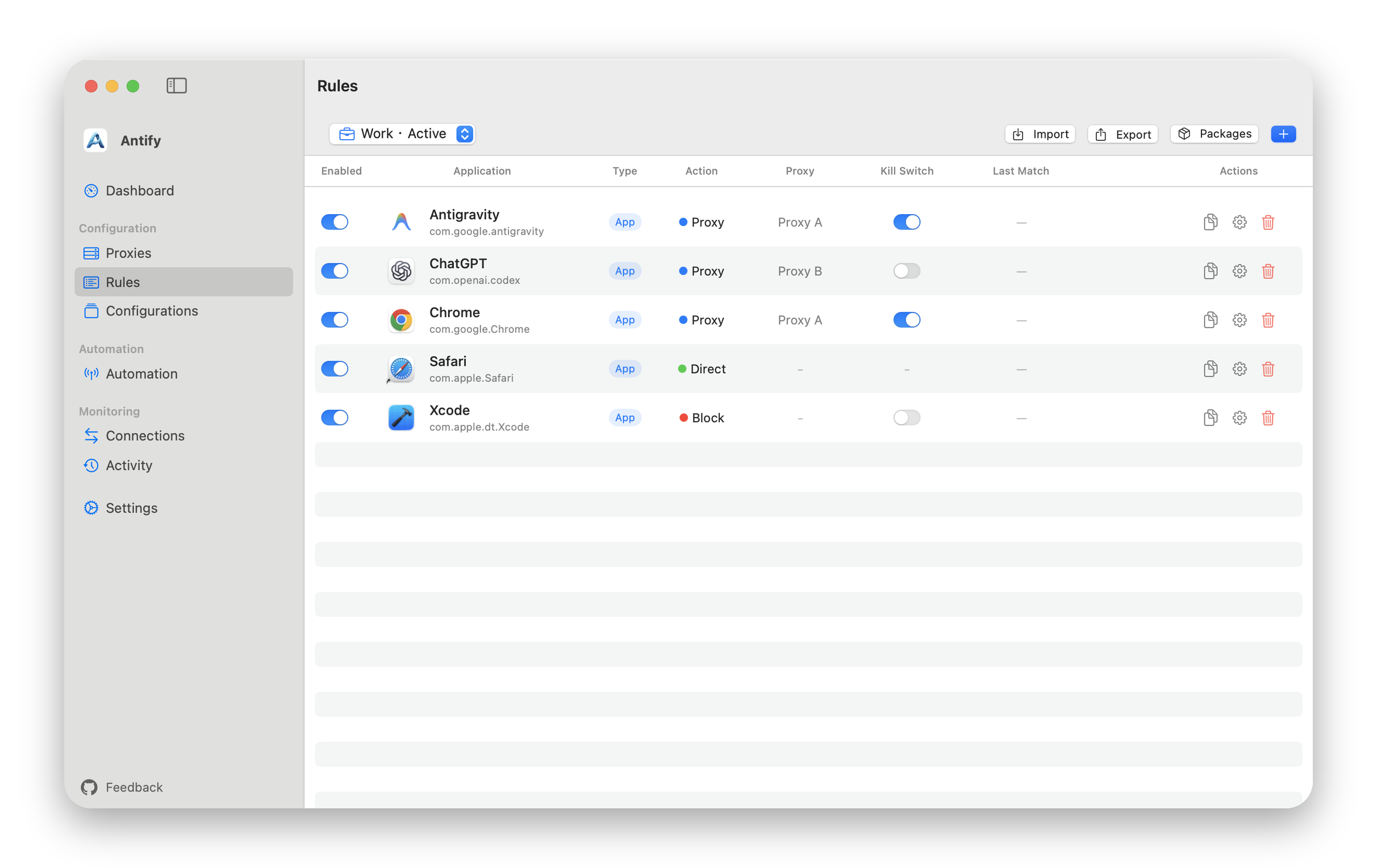
In Rules, click Add Rule, drag the Telegram .app into the form, set Action to Proxy, and select the proxy you created.
- 3
Start the system extension
Once the extension is approved and running, the rule applies to newly opened connections. Right after a rule change, restarting Telegram is the quickest way to see it take effect.
SOCKS5 or HTTP
SOCKS5 carries both TCP and UDP; HTTP and HTTPS carry TCP only. With an HTTP or HTTPS proxy, an app’s UDP (QUIC, WebRTC) is not forwarded and the app usually falls back to TCP; UDP to this Mac or to private networks goes direct. If the feature you want to route depends on UDP, choose SOCKS5.
Confirm it works
Open Connections, trigger a new connection, and check that the action on the matching row is the one your rule specifies.
If the proxy cannot be reached, the default is to let the connection fail rather than quietly send it out directly. A Direct on Failure switch in each proxy form controls this, and it is off by default.
Two boundaries
- Rules are evaluated when a connection is opened; established connections are unaffected. Restart the app after a rule change.
- Connections to localhost or to an address of this Mac always go direct, regardless of rules.