Use cases
Route the commands your terminal and IDE launch
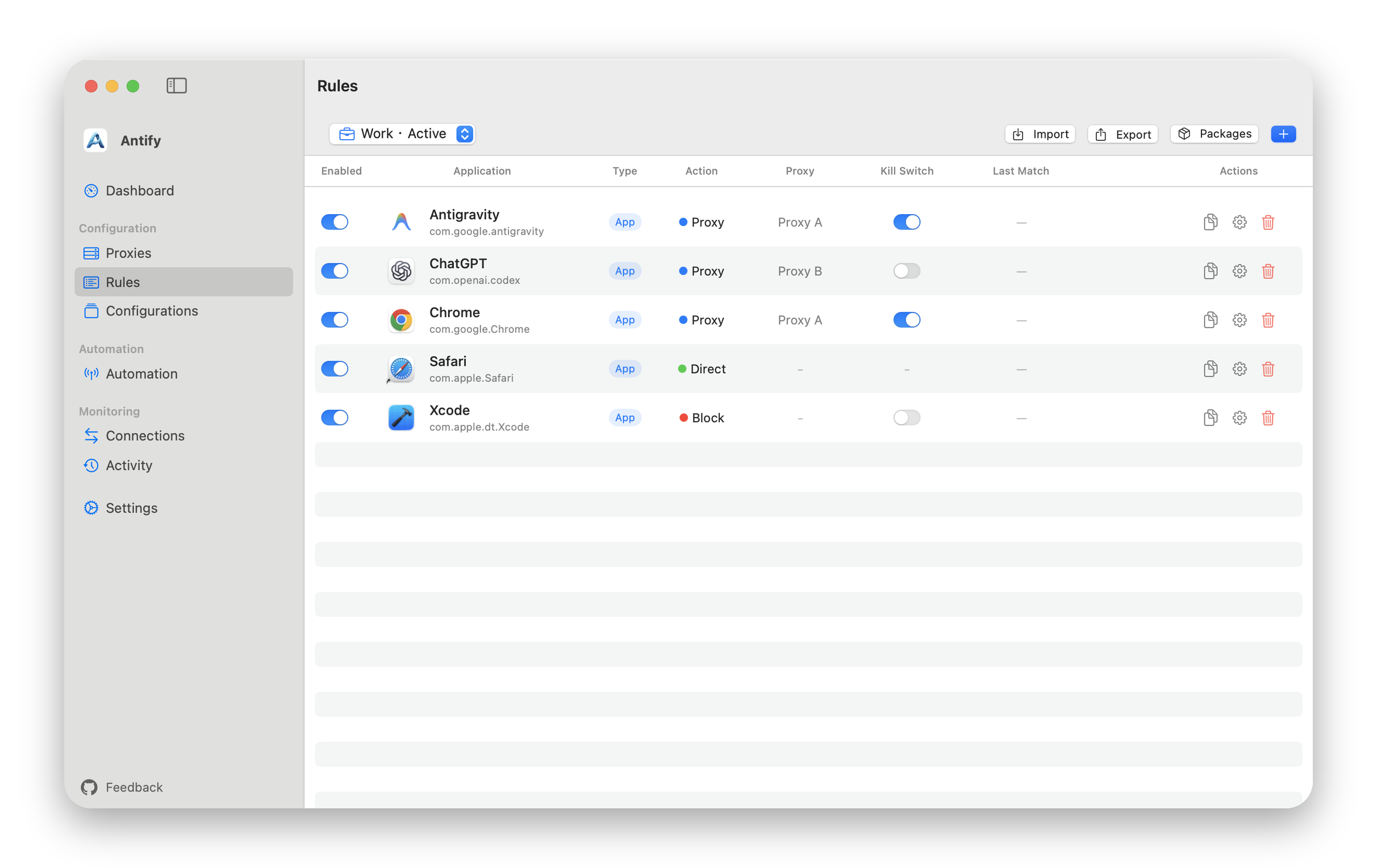
Create rules for development tools: curl in a terminal, package managers, and the build tools an IDE launches are routed per process, so each tool no longer needs its own proxy configuration.
Passing a proxy through http_proxy and https_proxy means every new shell and every new tool is one more place to get right. Antify keeps the rule in one place and applies it to everything it covers.
Two kinds of rule target
GUI tools use the .app: drag it into the Add Rule form, like any other app rule.
Command-line tools use the path of the executable. Run which to confirm which file the command resolves to, then drag that file into the form. The Packages item in the Rules toolbar scans installed global Node and Python packages and builds a rule from a package entry point.
The key part: commands a terminal or IDE launches
A rule on a terminal or an IDE covers only the connections it opens itself. The programs it starts, such as curl in a terminal or the build tools an IDE runs, do not follow it by default.
Turn on Apply to spawned processes in the rule form (off by default, .app rules only) and everything that app launches is routed by that rule, with no per-tool rules to maintain.
The cost is scope: turn it on for a terminal and everything you run there follows it. To route only a few specific tools, give those executables their own path rules instead.
When a command does not use the proxy
Find the connection in Connections, click the ⓘ on its row, and read Match Level: Exact Path means your path rule matched, Bundle ID means an app rule matched, Host Inherit means the process was launched by an app and followed that app rule, and Bundle ID Prefix means a prefix rule matched. Default means no rule matched, and Filter Miss → Default means a rule exists but its Target Hosts or Target Ports filter did not.
Match Level tells you what to fix: either no rule exists, or the rule you wrote did not match.
Three boundaries
- Path rules follow the path. After a tool upgrade changes it, the rule may no longer match, so check it.
- Rules are evaluated when a connection is opened. Run the command again, or restart that terminal or IDE.
- Connections to localhost or to an address of this Mac always go direct, so requests between local development servers are never rerouted.