Use cases
Kill Switch: stop apps bypassing your proxy
Antify's Kill Switch keeps chosen apps offline on macOS while the Antify proxy is down. How to turn it on, what it covers, and how to confirm it works.
Kill Switch is a switch on a rule: while the Antify proxy is not running, or its proxy server cannot be reached, the app’s new connections are refused instead of quietly going out directly.
When you need it
Once an app has a Proxy rule, its traffic goes through the proxy only while the Antify proxy is running. For the rest of the time the app connects directly as usual. Three situations are common: the Mac restarted and Antify has not been opened yet; you stopped the proxy and forgot to start it again; the system extension crashed or was shut down by the system.
Kill Switch is for those stretches: an app that has it on cannot connect during them, instead of going out directly.
- Proxy and Block rules can turn Kill Switch on. A Direct rule has no traffic to hold back, so its switch is unavailable and shows as a dash in the rule list.
- It does nothing while the rule itself is disabled.
- It only keeps the app offline. It does not quit the app or stop it from launching.
Turn it on
- 1
Flip the switch
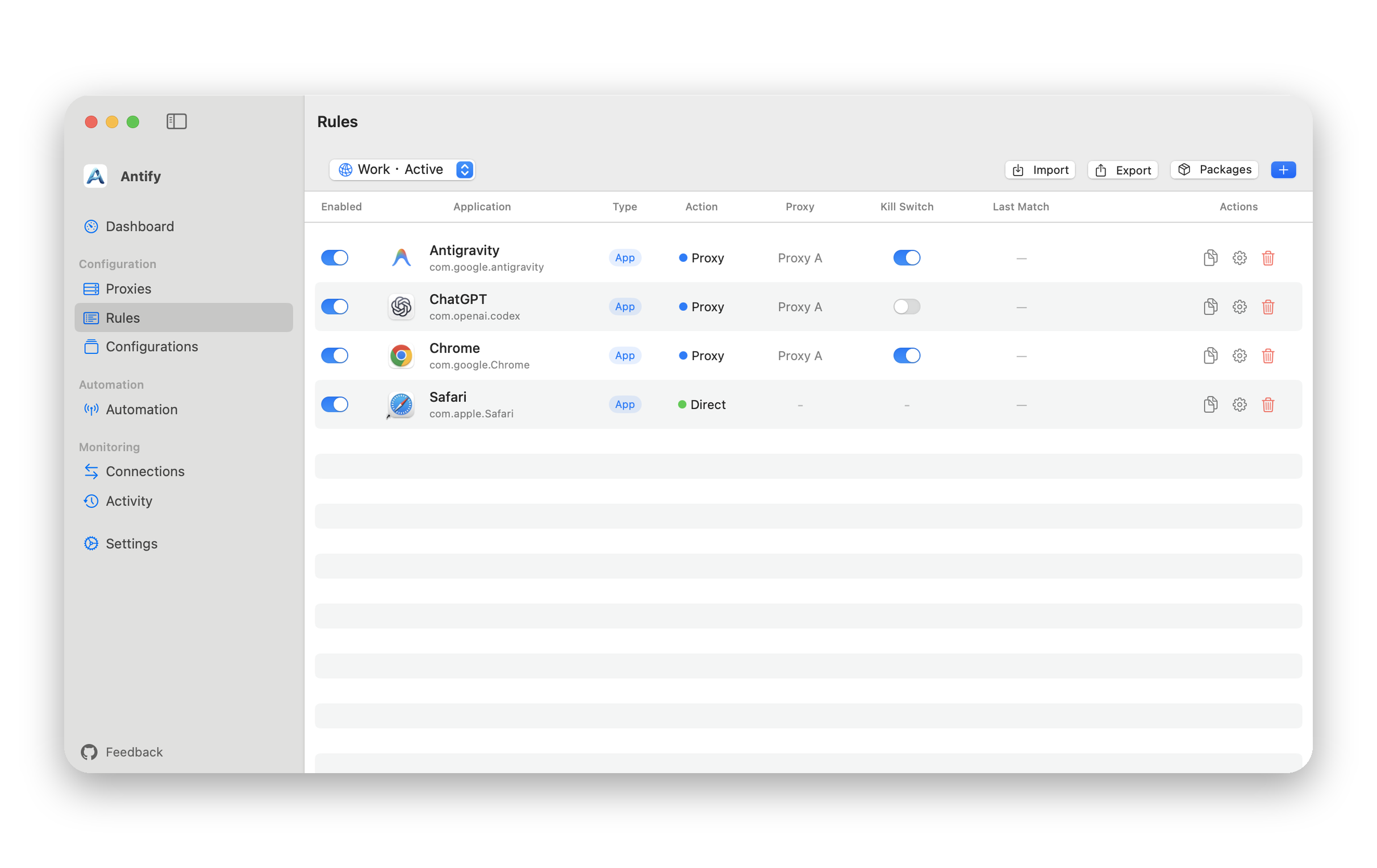
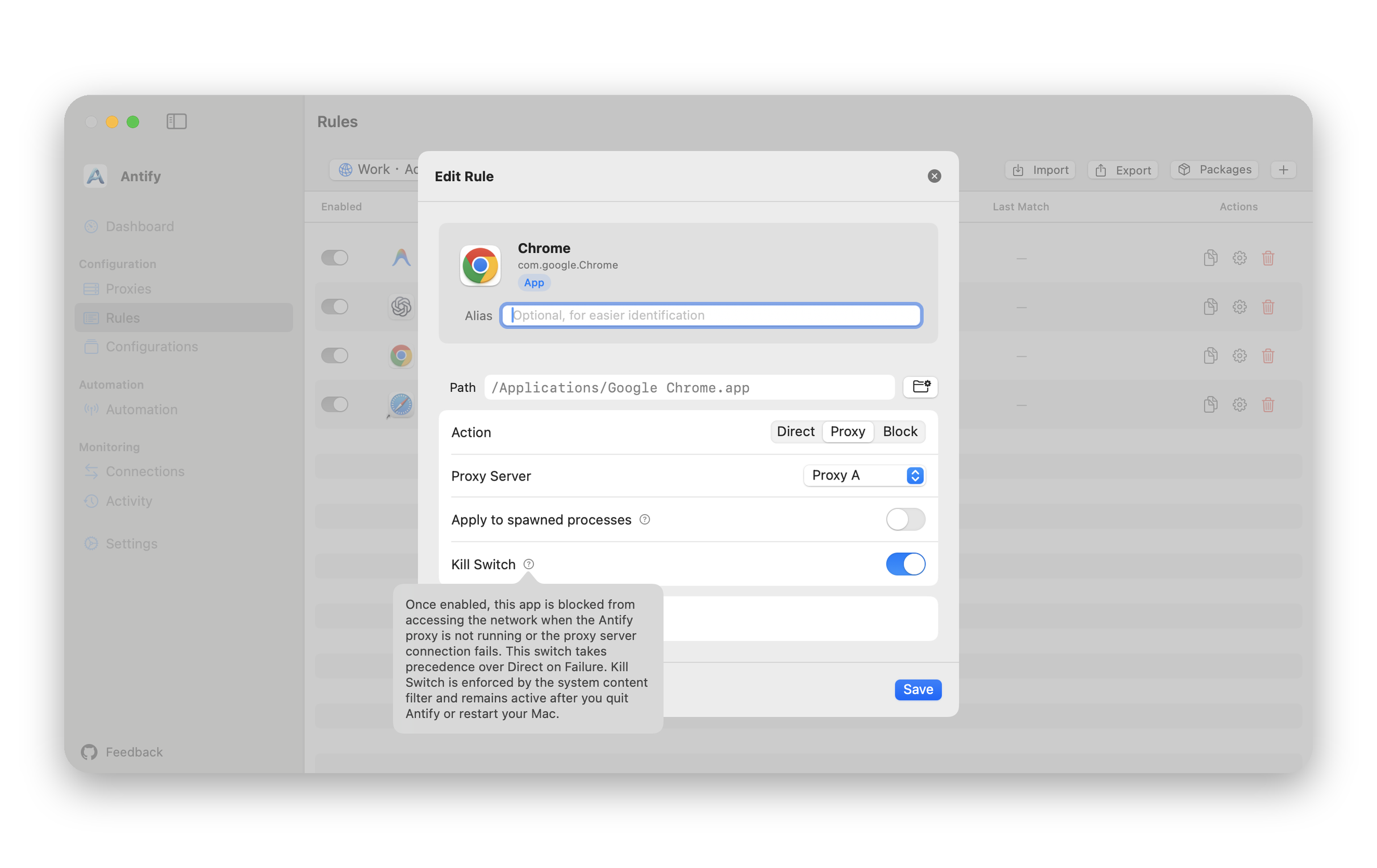
In Rules, each rule row has a switch in the Kill Switch column. You can also turn on Kill Switch in the Edit Rule window.
- 2
Install the content filter the first time
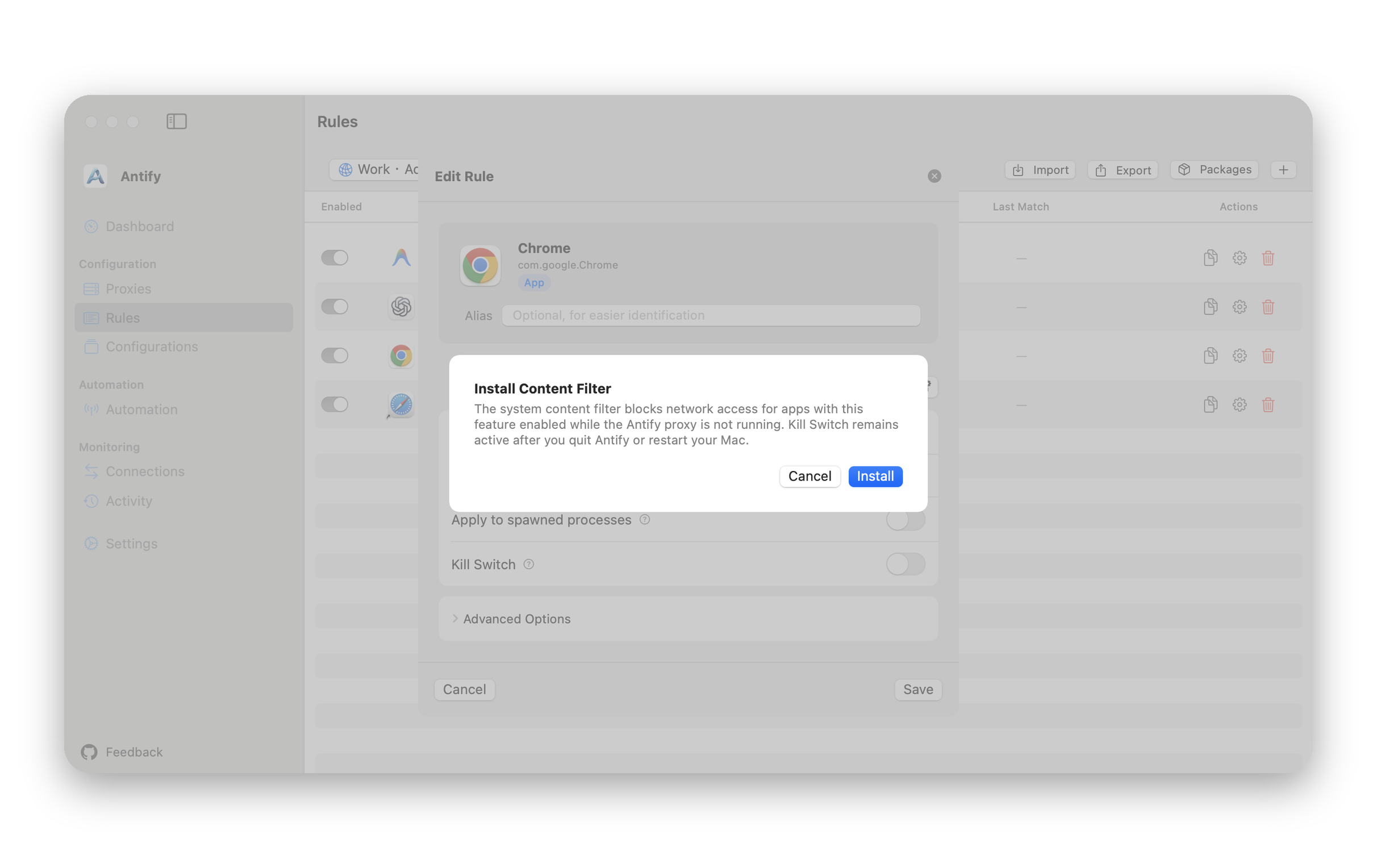
Kill Switch is enforced by the system content filter, so the first time you turn it on, an Install Content Filter window appears. Click Install. If the network extension is not enabled yet, you are asked to enable it first; the guide “Install Antify and its system extension” has the steps.
- 3
If macOS asks
macOS may show a system prompt asking whether to allow Antify to filter network content. Allow it. If you refuse, the install window says macOS did not allow the content filter, and you can click Install again.
What it holds back and what it does not
Kill Switch only acts while the Antify proxy is not running. While the proxy runs it stays out of the way and traffic follows your rules.
- While the proxy is not running (never started, stopped, or after an extension crash), the app’s new connections are refused.
- When the proxy server cannot be reached, the app does not fall back to a direct connection either, whatever the proxy’s Direct on Failure setting says.
- It stays in effect after you quit Antify or restart your Mac, and you do not need to open Antify first.
- It holds the whole app. Even if the rule has Target Hosts or Target Ports, Kill Switch ignores them: while the proxy is not running, the whole app is offline.
Confirm it works
Stop the proxy, then have an app with Kill Switch on open a new connection, for example a new page in the browser. It should not load.
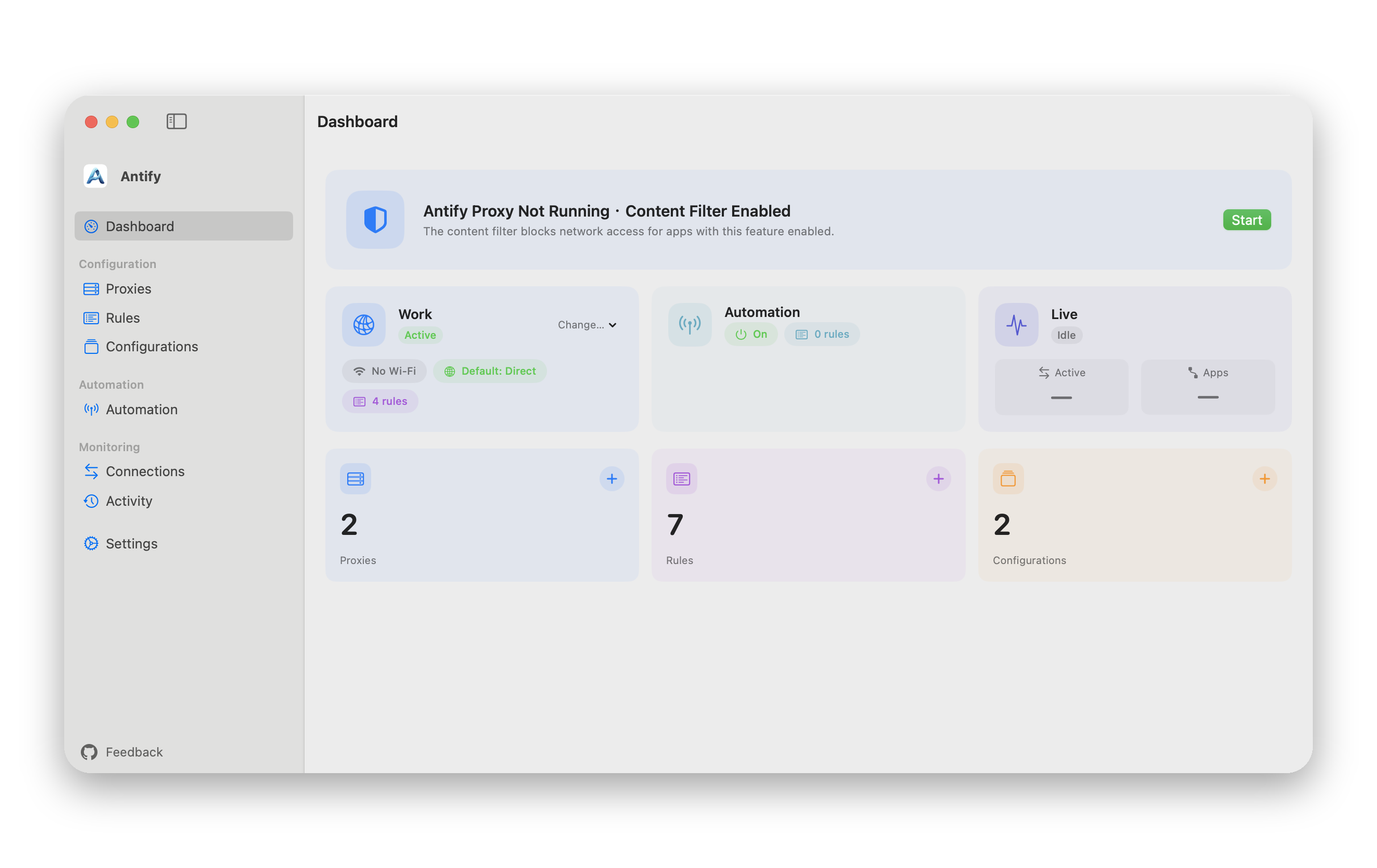
While the proxy is not running, the card at the top of the Dashboard reads Antify Proxy Not Running · Content Filter Enabled, which means the content filter is holding the apps that have Kill Switch on. The menu bar shows a Kill Switch active line under Start Proxy.
If notifications are allowed, launching a held app also posts an Antify Proxy Not Running notification that reads Kill Switch is blocking network access for Chrome, with a Start Proxy button.
After you start the proxy, Kill Switch stops holding the app and its new connections follow the rule through the proxy again; reload the page in the browser. If the proxy server itself cannot be reached, connections still fail.
Limits
- A held app’s name lookups still go out, so a DNS server can see which domains it looks up. The app’s own connections stay blocked.
- After an extension crash the system restarts the content filter by itself, and during about half a second new connections can pass.
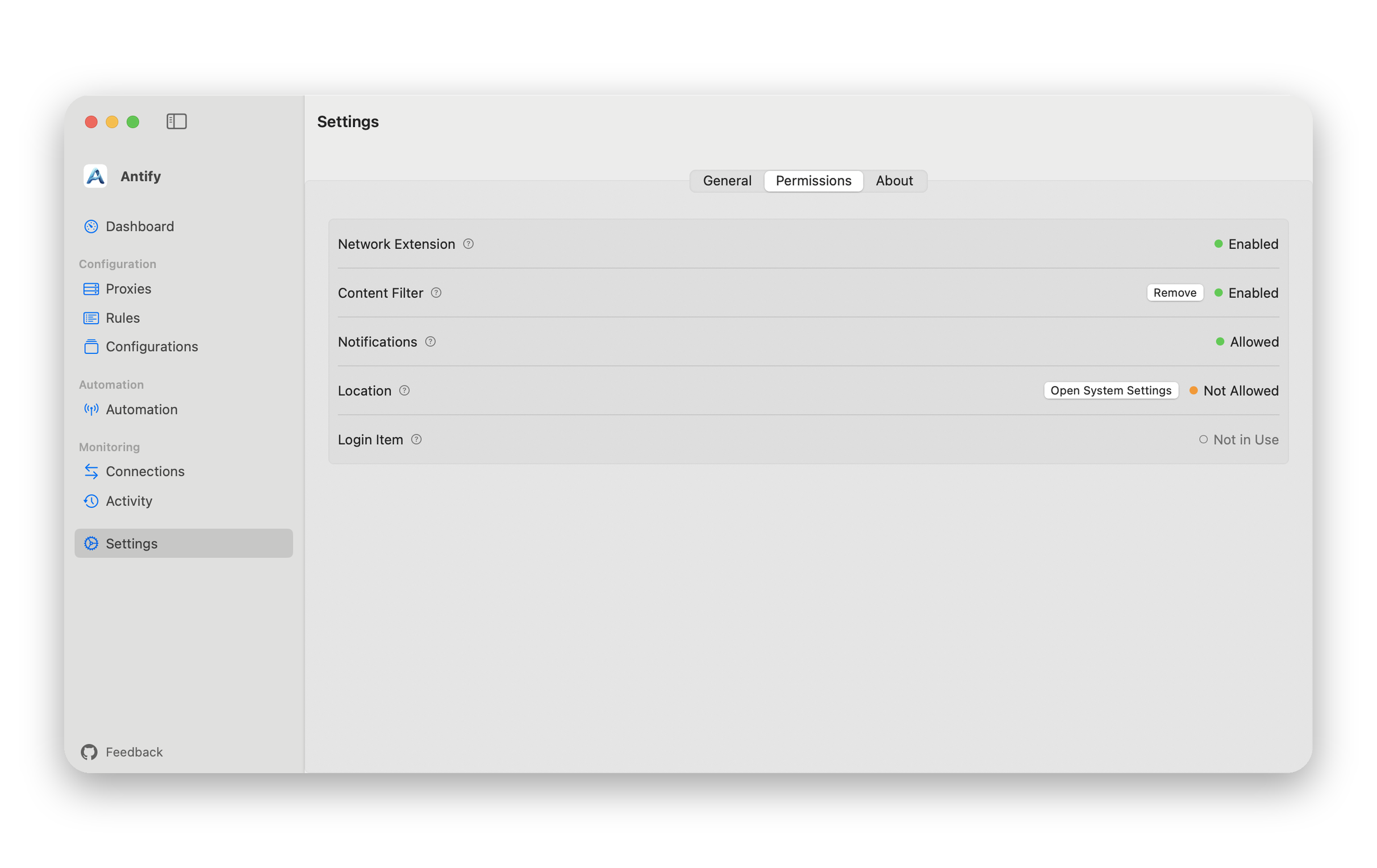
- To remove the content filter: Settings → Permissions → Content Filter → Remove. Afterwards apps with Kill Switch on can connect while the proxy is not running; the settings in your rules are kept.